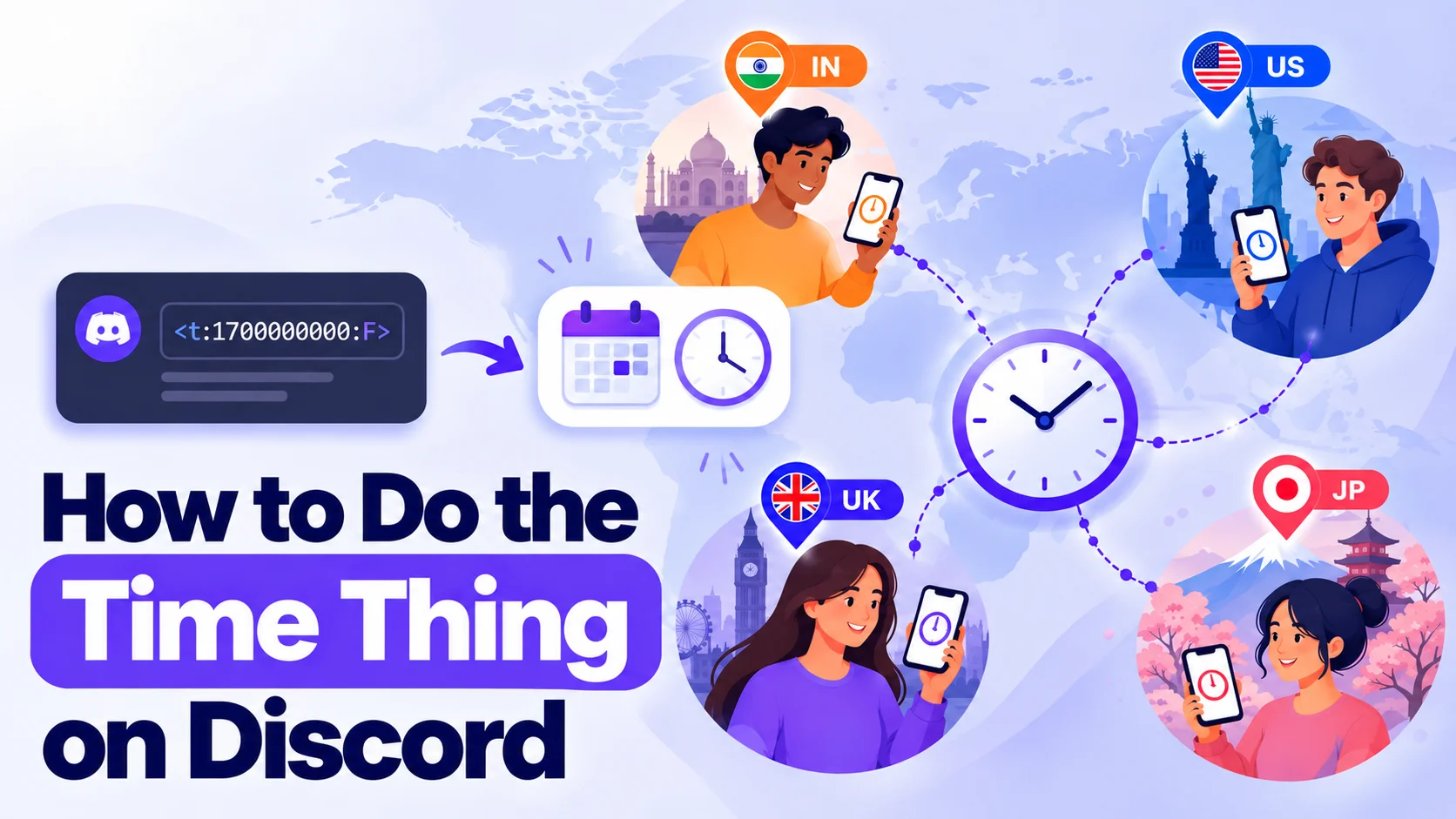
How to Do the Time Thing on Discord
You post “Game night at 8 PM” in your server. A few minutes later, someone from London asks, “8 PM where?” A friend in Mumbai points out that it is already past midnight for him. Now you are doing time zone math in the chat instead of planning the game.
This is the exact problem the “time thing” solves. It is a small bit of text that shows the right time to every reader, in their own time zone. Once you know how to do the time thing on Discord, you will never type “8 PM EST” again.
In this guide, I will explain how a Discord timestamp works, show you how to make one in about a minute, and cover the mistakes that break it. You do not need any coding knowledge.
What Is the “Time Thing” on Discord?
People call it “the time thing” because they have seen it in someone’s message and have no idea what it is named. The proper name is a Discord timestamp. You type a short code, and Discord turns it into a date and time that changes for each person reading it.
Say you write one code for your event. A friend in Delhi sees it in Indian time. Another friend in Chicago sees it in Central time. Both see the correct moment, and nobody has to convert anything.
You will also hear people say Discord time codes, dynamic time, or just a time stamp. Some search for how to do time thing on Discord, others type the full name, but the thing is the same. The best part is that you do not need a bot for it. Discord supports this on its own, so it works in any server where you can send messages.
What Does a Discord Timestamp Look Like?
Every Discord timestamp follows one pattern:
<t:UNIX_TIME:FORMAT>
There are three parts:
- t tells Discord that this is a time code.
- UNIX_TIME is a long number. It counts the seconds that have passed since January 1, 1970 (UTC).
- FORMAT is a single letter that decides how the time is displayed.
Here is a real example: <t:1767225600:F>
If you send this, a reader in New York sees Wednesday, December 31, 2025 7:00 PM. A reader in India sees Thursday, January 1, 2026 5:30 AM. The code is the same. Only the display changes, because Discord uses each person’s own time zone.
Nobody remembers numbers like 1767225600, and you do not have to. That is why people use a generator.

How to Make a Time Stamp on Discord in 5 Steps
The fastest way is a Discord time stamp maker. Here is how I do it with the Discord time converter on this site:
- Open the converter. It works in any browser, on desktop or phone.
- Pick the date and time of your event.
- Check the time zone. The tool usually picks yours, but confirm it. If you are planning around a friend’s city, change it.
- Choose a format and press Copy. The tool shows a preview of every format, so you can see exactly how it will look.
- Paste the code into Discord and hit send.
That is the whole process. If you have been searching for how to make discord timestamps, this is all there is to it. After you send the message, the code turns into a readable time.
One quick check before sending: look at the preview. If it says 8:00 PM and you meant 8:00 PM your time, you are good.
Discord Timestamp Formats You Can Use
The letter at the end changes how the time looks. There are seven options:
| Code | Looks like | Best for |
|---|---|---|
| t | 3:49 PM | Short time |
| T | 3:49:17 PM | Time with seconds |
| d | 12/18/2025 | Short date |
| D | December 18, 2025 | Long date |
| f | December 18, 2025 at 3:49 PM | Event announcements |
| F | Thursday, December 18, 2025 at 3:49 PM | Full date and time |
| R | in 2 hours / 5 minutes ago | Countdowns |
If you leave out the letter, Discord uses the f style.
For event posts, I like using two codes together: F for the full date and R for the countdown. Something like <t:1767225600:F> followed by <t:1767225600:R>. People see the exact time and also how far away it is. If you want a closer look at each style, our Discord timestamps guide covers them with more examples.
How to Put Time in Discord from Your Phone
The steps are the same on mobile. Open the converter in your phone browser, pick the time, and tap Copy. Switch to the Discord app, long-press the message box, and paste. Send it and check the result.
Paste the code as plain text, exactly as the tool gives it. A Discord timestamp only works when Discord can read it as a message, so if you wrap it in backticks or a code block, Discord shows the raw code instead of the time.
If you post the same message every week, like a stream schedule, keep a copy in your notes app. Just make a fresh code each week and swap it in.
Which Time Zone Should You Pick?
A Discord timestamp does not carry a time zone inside it. The number is based on UTC, and Discord shows it in the reader’s zone. So you only choose a zone once, while making the code.
This is where a good Discord timezone converter helps. If your event is at 9 PM India time, select India Standard Time in the tool, even if your laptop is set to something else. Pick the wrong zone and every reader sees the wrong hour. They all see the same wrong hour, which makes the mistake hard to spot.
Daylight saving is handled too. In the US, clocks change in March and November. If you choose the real date and the right zone, the code already accounts for the change, so your Discord timestamp stays correct even if the clocks shift before your event.
How to Read a Timestamp Back
Sometimes you need to go the other way. You see <t:1625097600:R> in a bot log or in someone’s message and want to know the actual date. DiscordTimeConverter.net can decode it. Paste the code or the Unix number, and it shows the readable date.
It also converts a Discord ID (called a snowflake) into the time that message, account, or server was created. Moderators find this useful. Think of it as a Discord date and time generator that works in both directions.
Common Mistakes and How to Fix Them
The code shows up as plain text. You probably put it inside backticks, or one of the angle brackets is missing. The code must start with < and end with >.
The date is in the far future. You used milliseconds. A Discord timestamp needs seconds, so remove the last three digits. A correct number has 10 digits, not 13.
The time is off by a few hours. You picked the wrong time zone while making the code. Create it again with the right one.
The countdown says “2 days ago.” Your event date is in the past. Check the year and the AM or PM setting.
Everyone sees the same time. That is normal if you are testing with friends in your own time zone. Ask someone from another country to check, or change your device’s time zone for a minute.
Smart Ways to Use It
Once you know how to put time in Discord messages, you start seeing uses everywhere:
- Game nights and raids: post the start time with the R format so people see the countdown.
- Stream schedules: one code per stream, and your viewers never ask “what time is that for me?”
- Giveaway deadlines: “Entries close” followed by a code.
- Tournaments and scrims: teams from different countries can read the same schedule.
- Study groups and work calls: no more “10 AM IST or EST?” confusion.
- Moderation notes: mark when a mute or ban ends.
If you want a countdown-style message, the R format works like a basic Discord timer generator. It shows “in 3 hours” and keeps updating as the time gets closer. It is not a real timer with alerts, but for most announcements it is enough.
Bots are only needed when you want automatic reminders or repeating events. For one-time posts, a Discord timestamp is faster and needs no setup. You can find more tips like this on our Discord guides on the blog.
Frequently Asked Questions
How do I do the time thing on Discord?
Make a code with a Discord time converter, copy it, and paste it into your message. Discord changes it to each reader’s local time. You do not need a bot or any special permission.
How do I make a Discord timestamp on my phone?
Open the converter in your mobile browser, choose the date and time, and tap Copy. Then paste the code in the Discord app and send it. Do not put it inside a code block.
Why is my Discord timestamp showing the wrong time?
Most of the time, the wrong time zone was selected while creating it, or milliseconds were used instead of seconds. Check both, then make the code again.
Which format is best for event announcements?
Use F for the full date and time, and add R for the countdown. This way, people see the exact time and also how soon it starts.
Can I use a Discord timestamp without a bot?
Yes. Discord supports these codes natively. Type or paste the code in a normal message and it works. Bots are only helpful for automatic reminders.
What is the difference between t and T?
Lowercase t shows the time without seconds, like 3:49 PM. Capital T shows seconds as well, like 3:49:17 PM. Pick whichever suits your message.
Final Thoughts
Now you know how to do the time thing on Discord, and it is easier than it first looks. It is only a short code and a few clicks. Pick the date, check the time zone, copy the code, and send it. Your members will see their own local time, and you can stop answering “what time is that for me?” in every announcement.
Next time you plan a game night or a stream, make a Discord timestamp once and see how it feels. If you need a quick place to start, the Discord time converter is free and takes seconds. After that, you will use it for everything, from small hangouts to big community events.